API
Connecting Your Data With Sponsy's API
Connecting Your Data With Sponsy's API
Use Sponsy's API when you need to read or manage Sponsy data from another system. The API can be used for workflows such as fetching available slots, syncing customer records, reading publications and placements, or building custom reporting pipelines.
Starter includes read-only API access. Creating, updating, or deleting Sponsy records through the API requires Pro or Custom. Your API permissions and any required beta access also determine which data you can use.
Sponsy has two API surfaces:
- REST API v2: The newer API surface. It is still in beta, but it is more complete and is the recommended starting point for new integrations.
- REST API v1: The legacy API surface. Existing integrations may still use it, but its setup and authentication are different from v2.
Beta and private access: REST API v2 and Sponsy MCP are still in controlled access. Some private data and advanced capabilities are not enabled for every workspace by default. If you need access to private data through the API, or want access to Sponsy MCP, contact Sponsy and we can enable the right beta access for your workspace.
Accessing the API Settings
To start using the API, follow these steps:
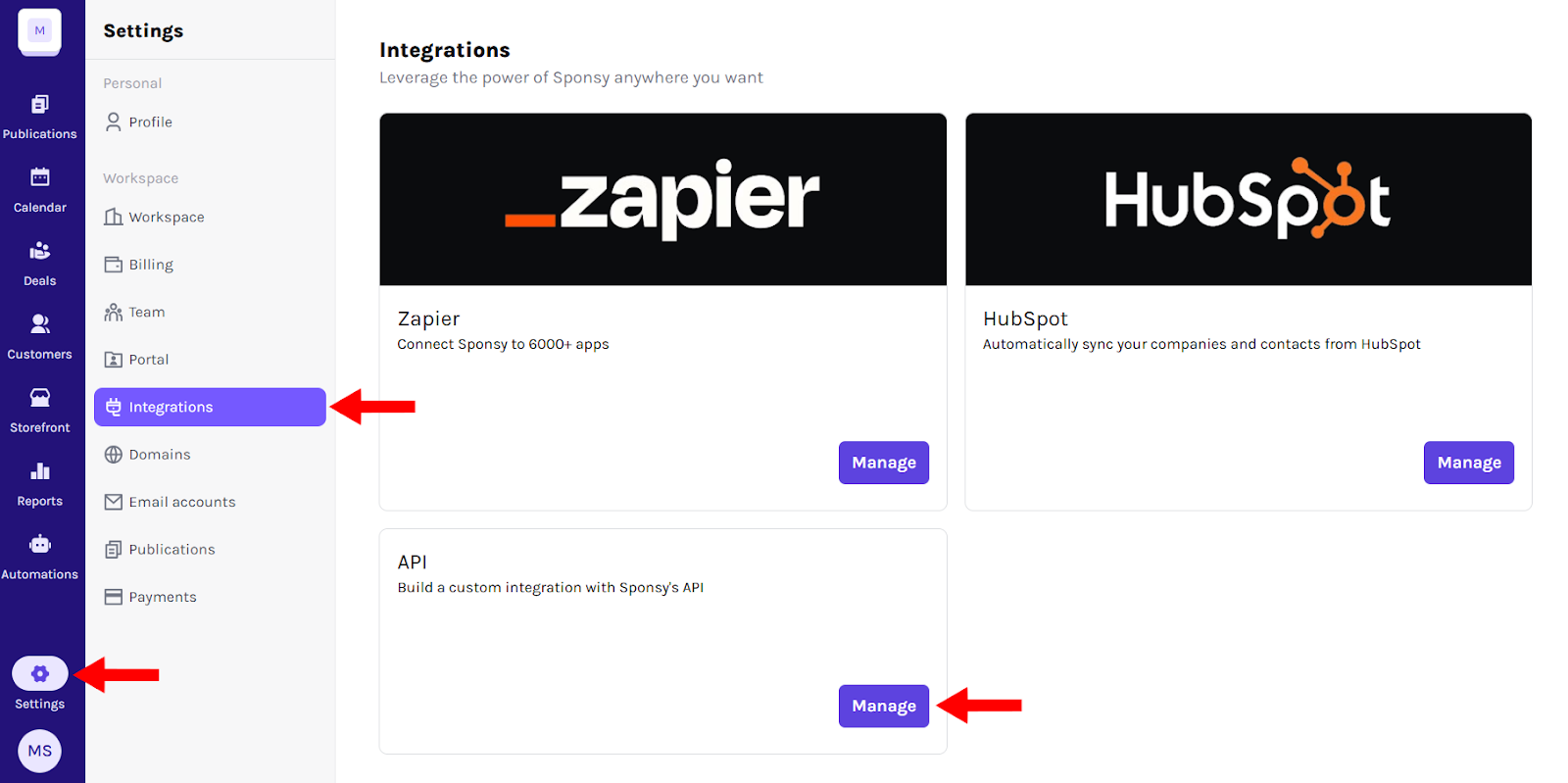
- Click the Settings icon in the left sidebar.
- Click Integrations.
- Find API in the list of available integrations.
- Click Manage to enter the API settings.
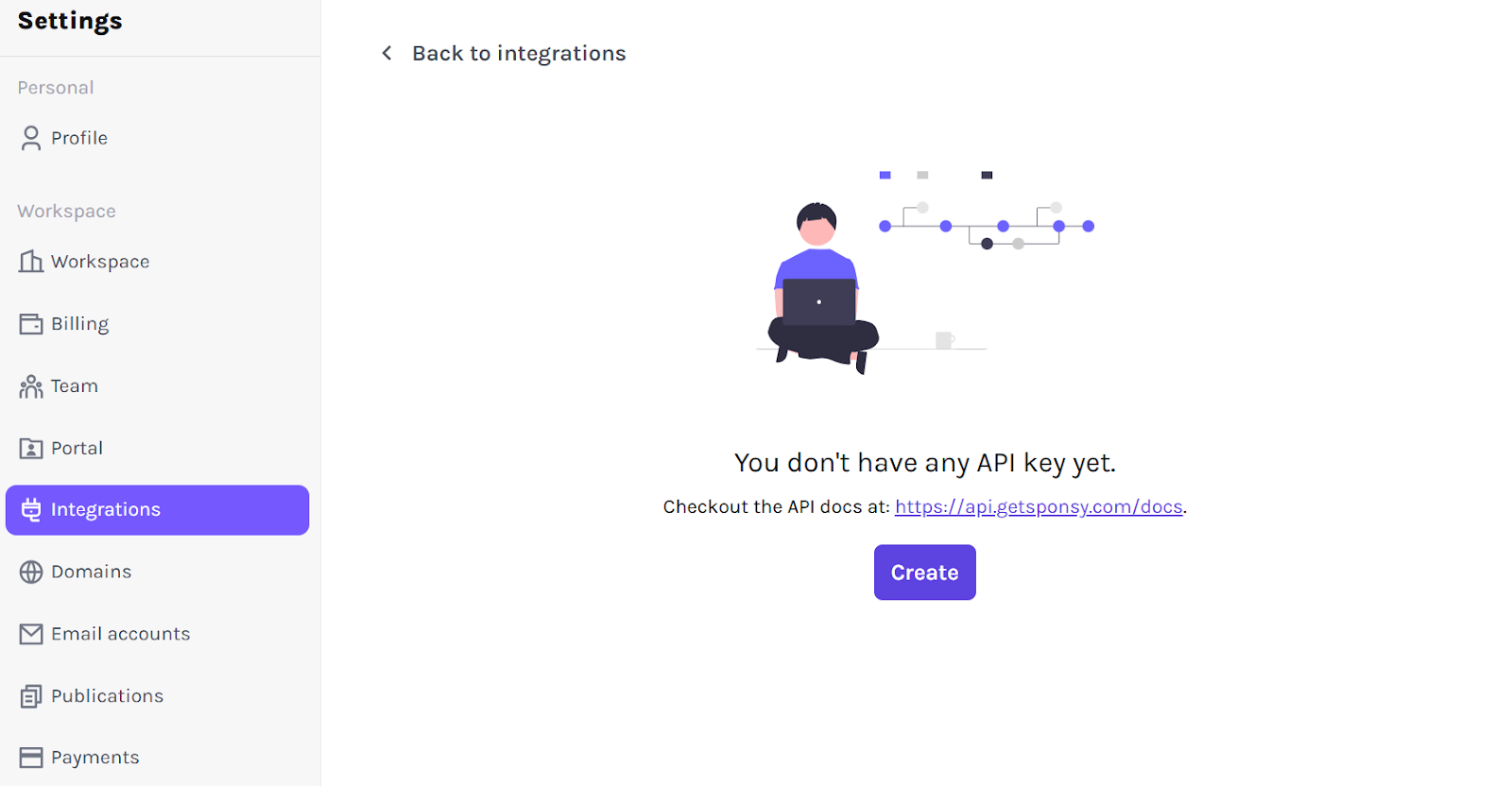
At this stage, if you haven't created an API key yet, you'll see the message: "You don't have any API key yet." Let's change that!
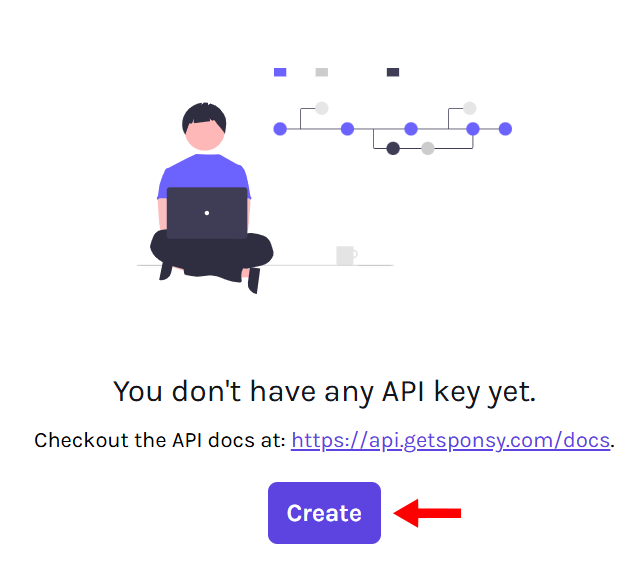
Creating an API Key
Creating an API key is simple. Click the Create button, and Sponsy will generate an API token for you.
Your new API key will appear under API tokens.
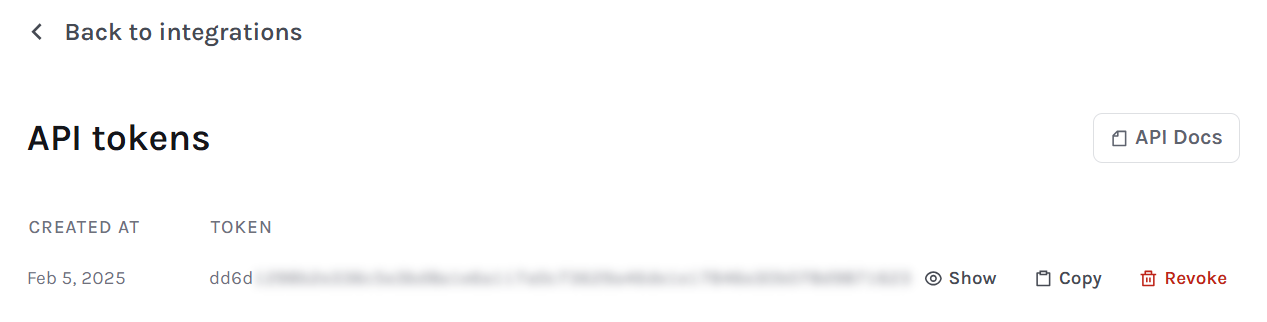
This token acts as a secure passcode that allows you to communicate with Sponsy's API. Keep it safe and avoid sharing it publicly.
Example use case: You want to fetch available sponsorship slots without manually checking Sponsy. With an API key, your system can automatically retrieve and display that information internally.
Authentication
Sponsy API requests use API tokens from your workspace integration settings. Treat API tokens like passwords.
Use the token exactly as shown in the generated API documentation for the endpoint you are calling.
REST API v2 uses bearer authentication:
Authorization: Bearer <token>Legacy v1 endpoints may use a different API-key style header, so do not copy v1 setup steps into a v2 integration without checking the v2 reference first.
Only grant API access to trusted systems, and revoke tokens when an integration is no longer needed.
Managing Your API Keys
Once an API token is created, you can:
- Click Show to reveal the full API key.
- Click Copy to easily paste the token into your application.
- If an API key is outdated, compromised, or no longer needed, you can revoke it by clicking Revoke and confirming.

Once revoked, the token becomes invalid, and any systems using it will lose API access.
Best practice: If you suspect an API key has been exposed, revoke it immediately and generate a new one to maintain security.
Exploring API Documentation
Use the REST API v2 docs for new integrations. REST API v2 is still in beta, but it covers more of the current Sponsy data model and should be treated as the primary reference for new API work.
The legacy REST API v1 docs remain available for older integrations. V1 and v2 are not configured the same way, so check which version your integration uses before generating tokens, setting headers, or copying endpoint examples.
Sponsy provides a set of HTTP requests that allow you to retrieve and manage slots, publications, placements, statuses, and customers.
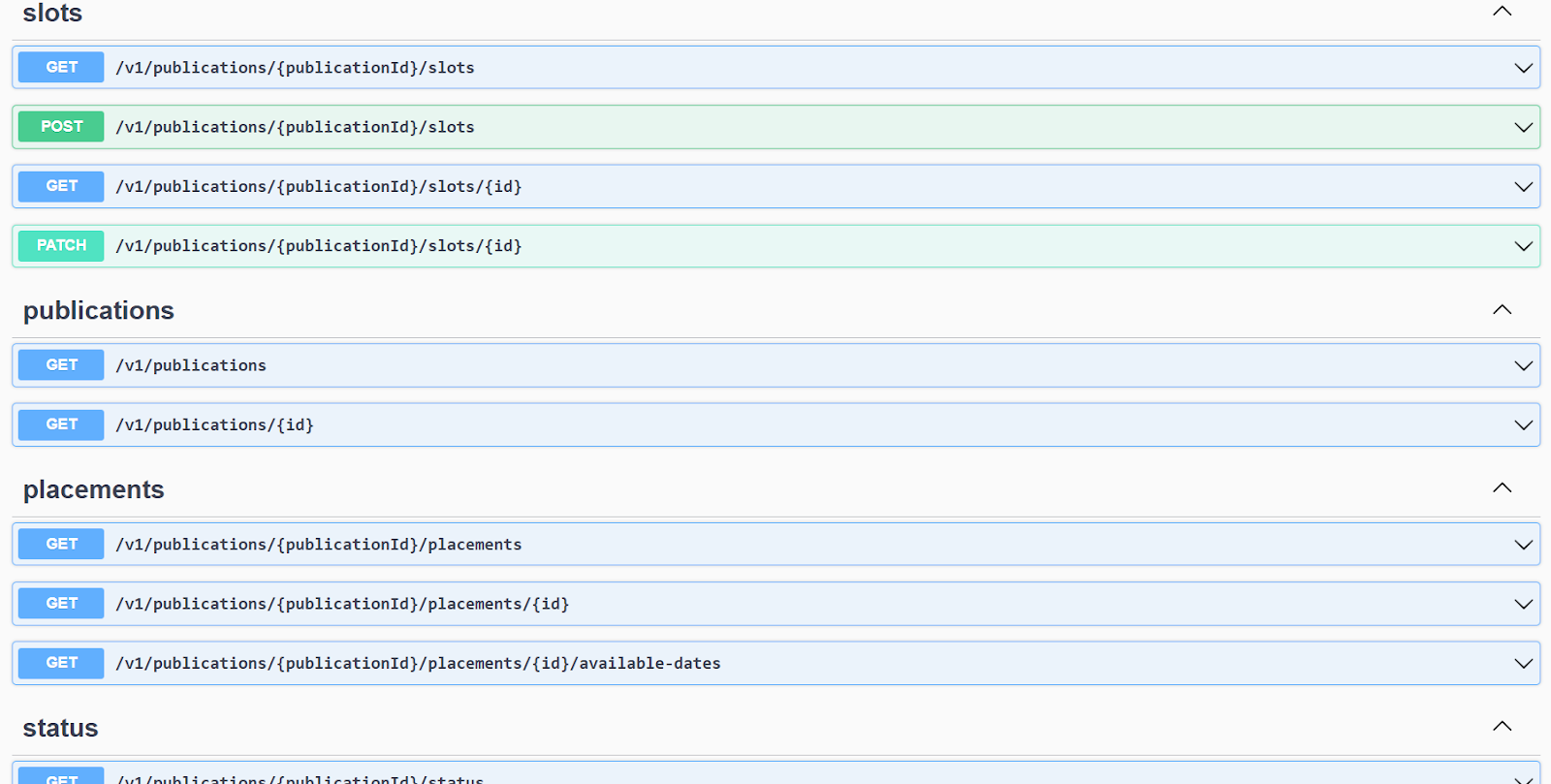
Each request is clearly explained with the required parameters, making it easy to implement API calls within your system.
Common API surfaces
The API documentation includes endpoints for common Sponsy objects:
- Slots: Read slot data, create slots, update slots, and retrieve workspace slot lists.
- Publications and placements: Read publication, placement, status, schedule, and metadata records.
- Customers and contacts: Search and manage customers and customer contact data.
- Deals: Read and manage deal data when your integration needs campaign or revenue context.
- Content fields: Read placement content and custom field values, including grouped content metadata where supported.
Workspace slot APIs include slot fields such as publication, placement, status, customer, content, metrics, due dates, and unsubscribe-related state where available.
Pagination and filtering
List endpoints may paginate results. Use the pagination or cursor information returned by the API response instead of assuming every record is returned in a single request.
When filters are available, prefer filtering by workspace, publication, date range, status, customer, or update time so your integration only requests the records it needs.
Grouped content and collection fields
Placement content can include regular fields, grouped fields, and collection fields. Integrations should preserve the structure returned by the API instead of flattening grouped content into unrelated values.
Use grouped content when you need to keep repeated or nested placement answers together, such as multiple products, multiple links, or grouped creative fields.
Deal custom metrics titles
If your integration has access to deal custom metrics, you can pass an optional title alongside columns and rows. For example, "title": "Grand Total Sales" names the table on the deal's Metrics page and its section in the Export all CSV. If no title is set, Sponsy uses Custom Metrics.
The title can contain 1–120 characters after trimming surrounding spaces. With PATCH, leaving out title keeps the existing name; passing null restores the default. You can update just the title by sending empty columns and rows with it. With PUT, the table is replaced, and omitting the title restores the default heading.
Sponsy MCP
If you want to connect AI tools to Sponsy rather than build directly against the REST API, see Sponsy MCP.