Quick start guide
Welcome to Sponsy quick start guide. In this page you will find all the necessary information to get you started with Sponsy.
Welcome to Sponsy quick start guide. In this page you will find all the necessary information to get you started with Sponsy.
You can set up your workspace yourself using this guide. For the current plans, features, and usage limits, see Pricing.
Demo Video
Video: https://www.loom.com/share/aba89340cd6746c69f220fa5e07ac15c
Inventory Hub
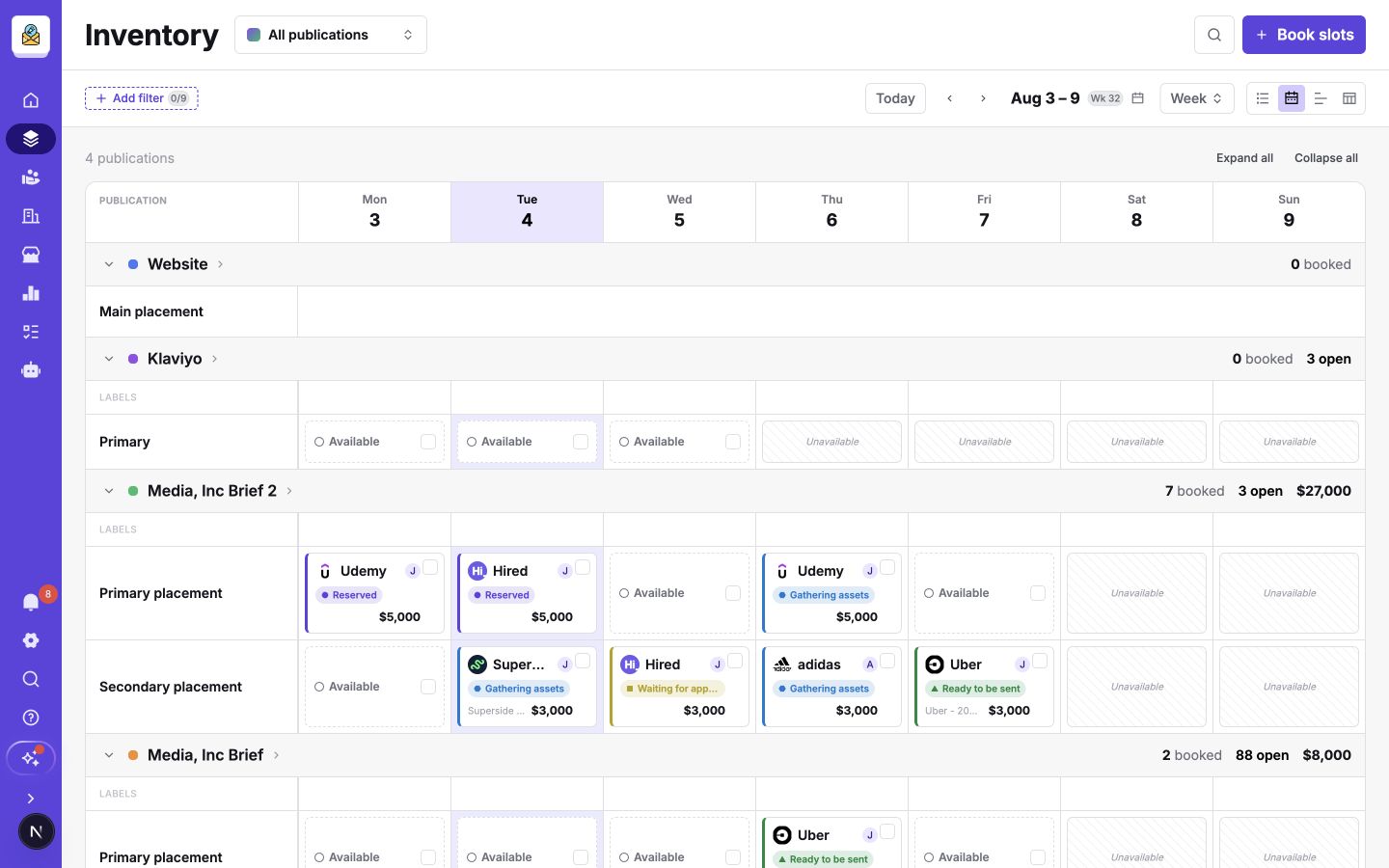
Most day-to-day ad operations happen in the Inventory Hub. Open it to see availability across every publication, check each ad's status, and find work that needs attention.
Use the publication selector to work across the portfolio or focus on one publication. Switch between List, Calendar, Timeline, and Table depending on whether you are operating today's bookings, checking capacity, planning campaigns, or reviewing details.
This is also where you book slots for customers.
Publication settings
The first step in configuring Sponsy is to match your initial publication to your schedule and workflow.
Open the Inventory Hub, choose the publication, and select Settings in the publication header.
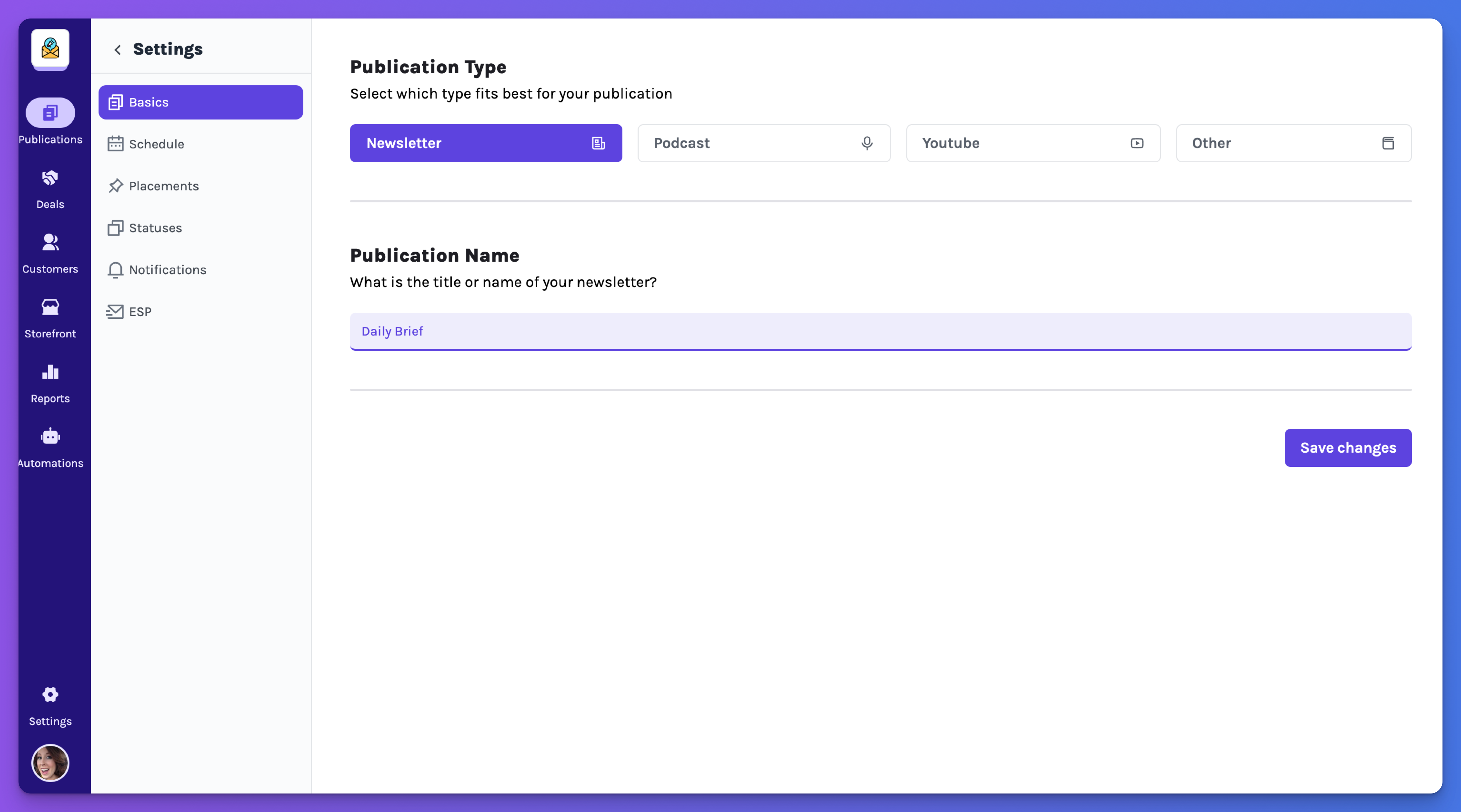
In this page you will be able to configure your publication to your current schedule and desired workflows.
Define your publication schedule
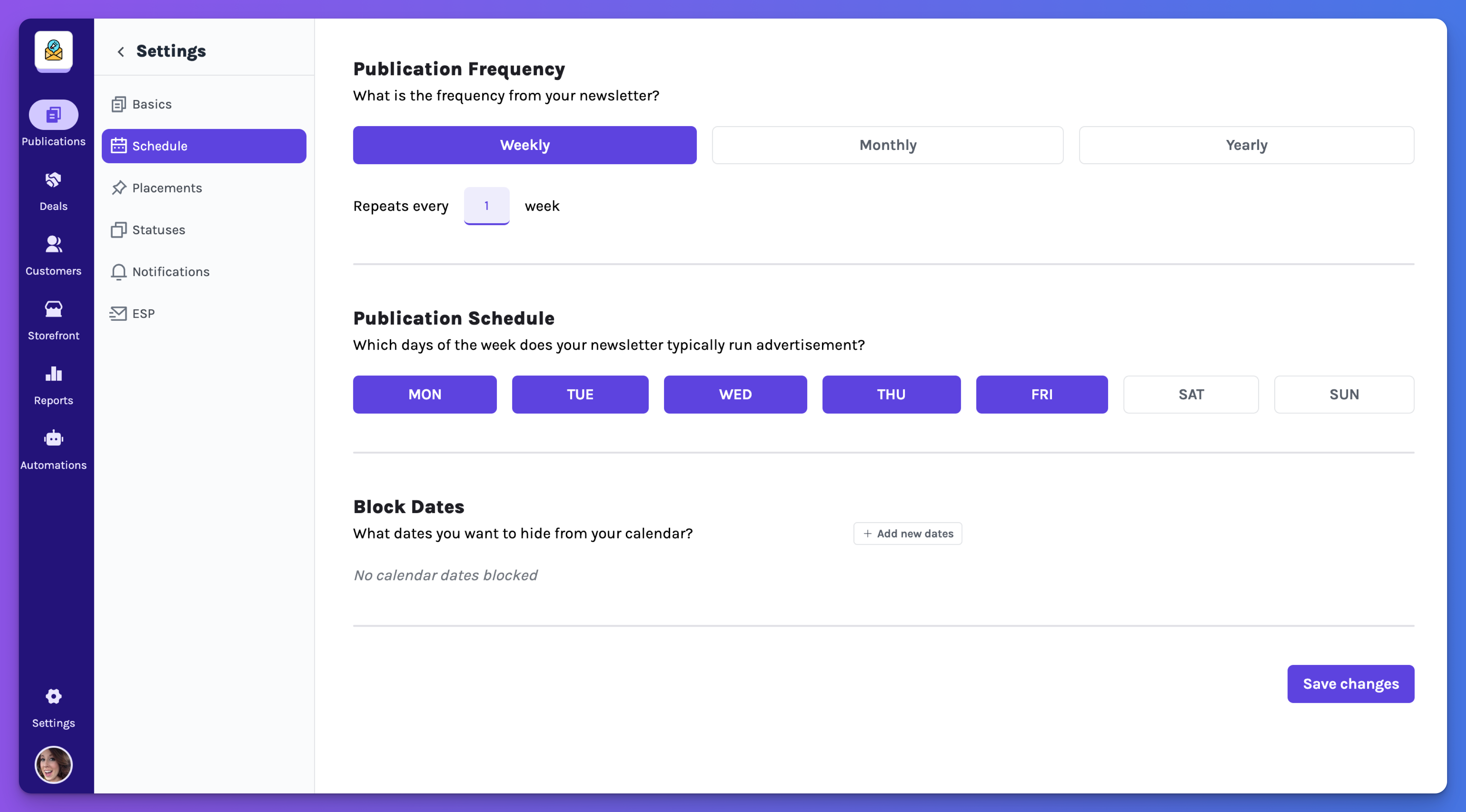
In the publication schedule you will be able to define when will your publication be sent to your audience, the times per week, month or year but also the days or cadence in which you are publishing content.
The schedule determines which slots appear as available in the Inventory Hub.
Define how many ads per publishing you have
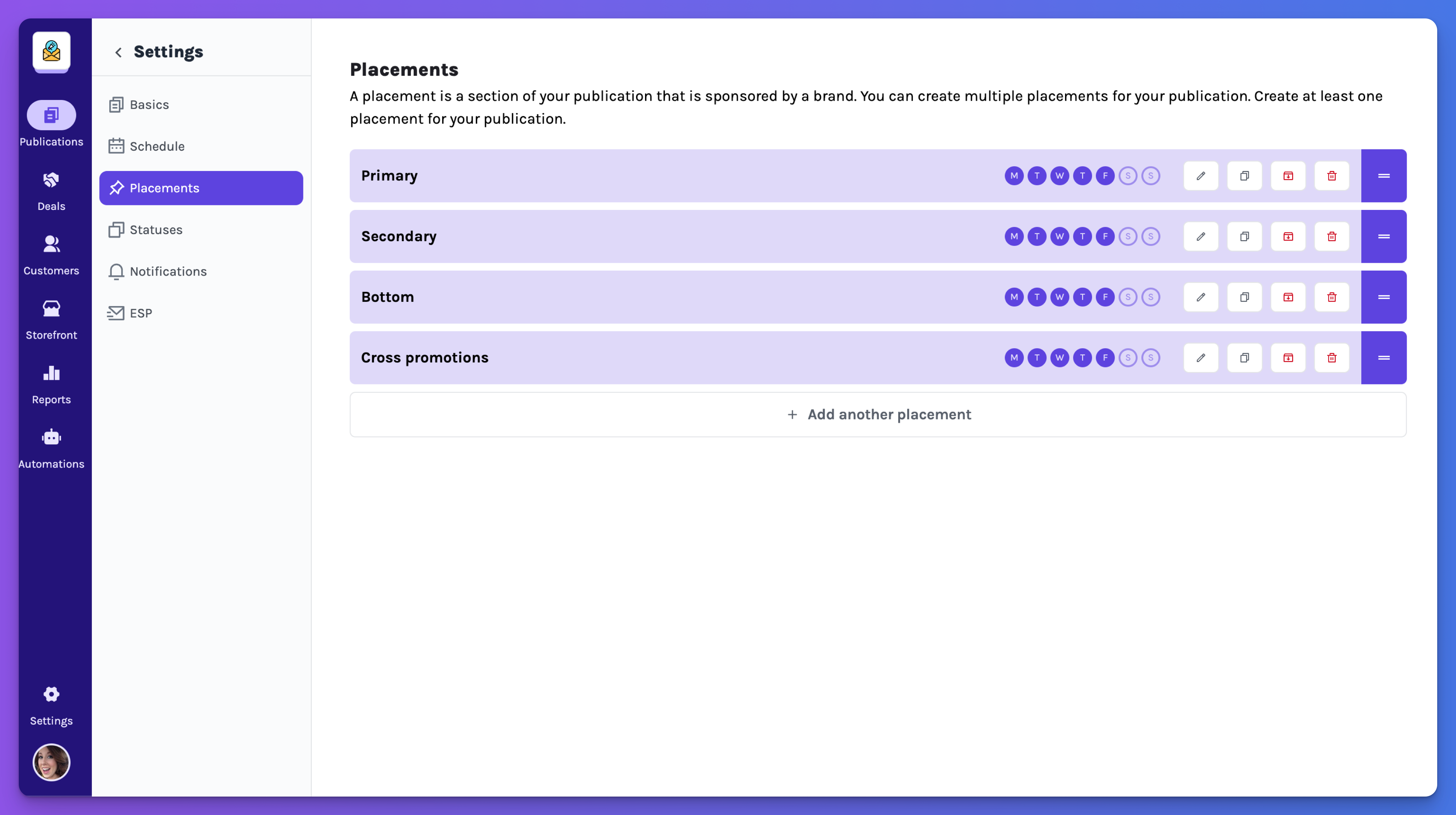
Each publication has ad placements. Some publications sell one placement per issue; others sell several. Starter includes five placements per publication. Pro and Custom include unlimited placements.
Each placement can have content rules and fields such as ad copy, an image, and a CTA. Configure these to match the assets you need from sponsors.
Read Placements to explore placement scheduling, pricing, content fields, and groups.
Define your workflow
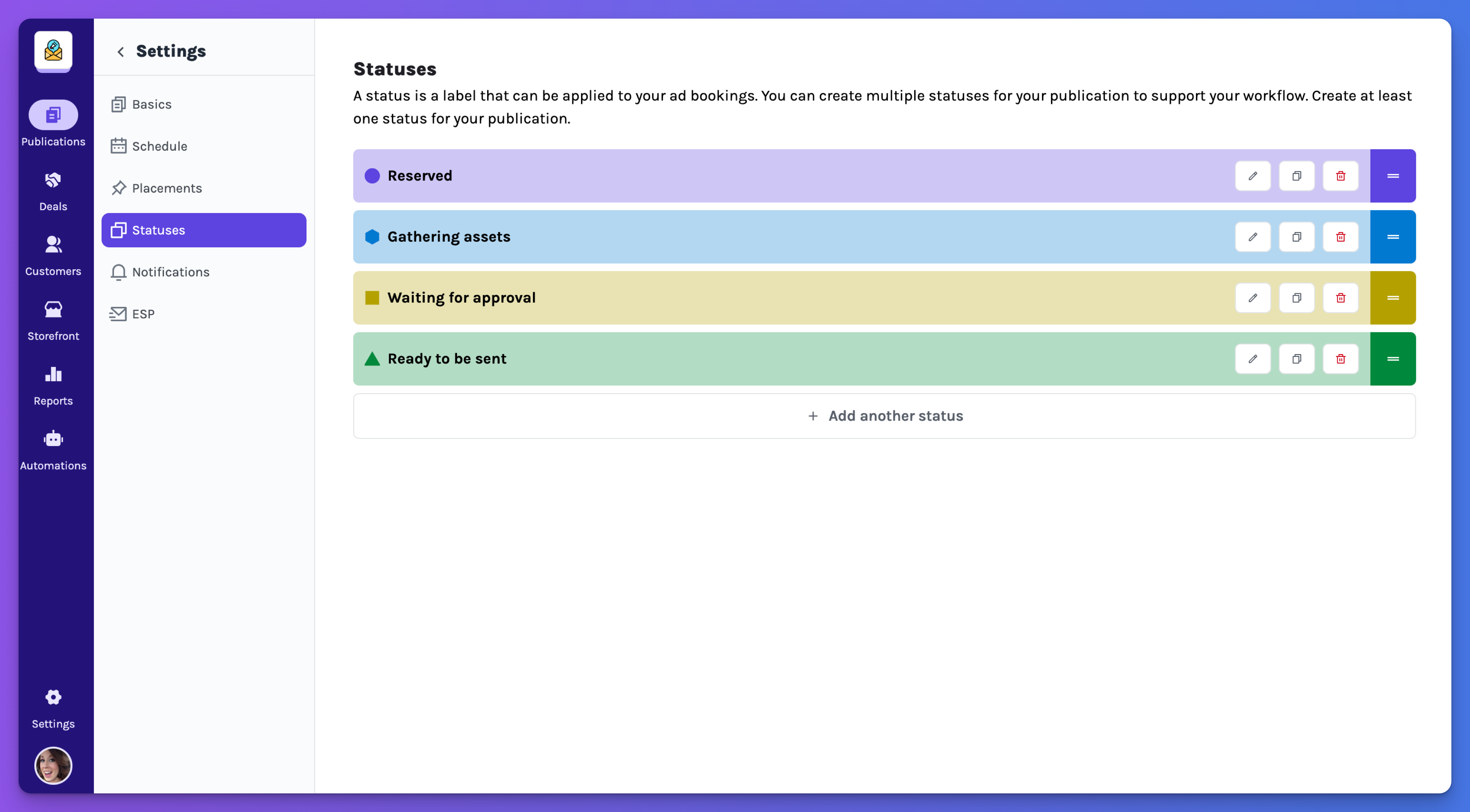
You own your workflows, we provide an example based on our learnings but you can customize it to your needs and business characteristics.
Read the Publication settings reference for schedules, statuses, custom fields, notifications, integrations, ad blocks, and task templates.