Notification Center
Your inbox and notifications help you stay on top of work that needs your attention. The more people you collaborate with in your workspace, the more helpful these features become.
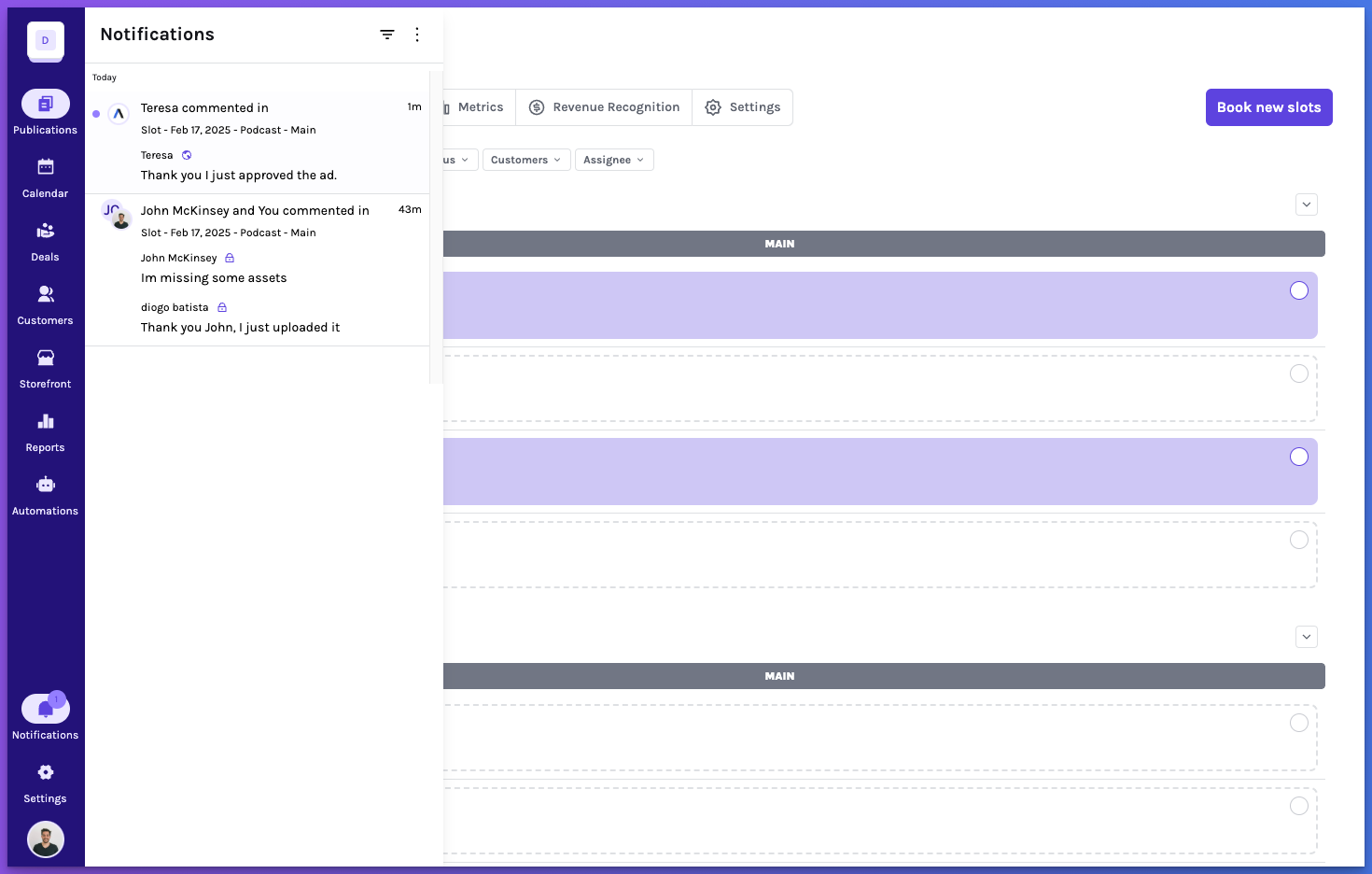
Your inbox and notifications help you stay on top of work that needs your attention. The more people you collaborate with in your workspace, the more helpful these features become.
Interacting with the notification center
All updates that require your attention will appear in the Notification Center. New notifications are marked as unread by default.
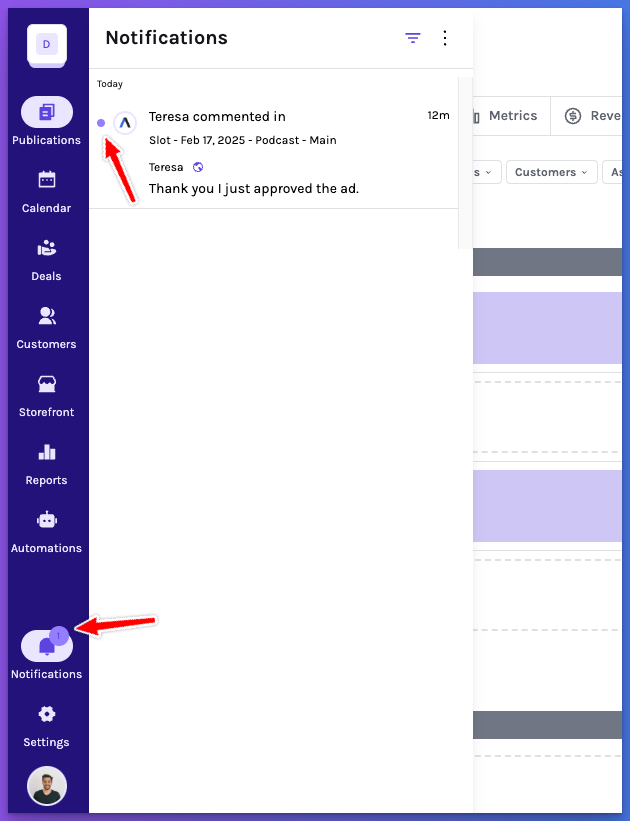
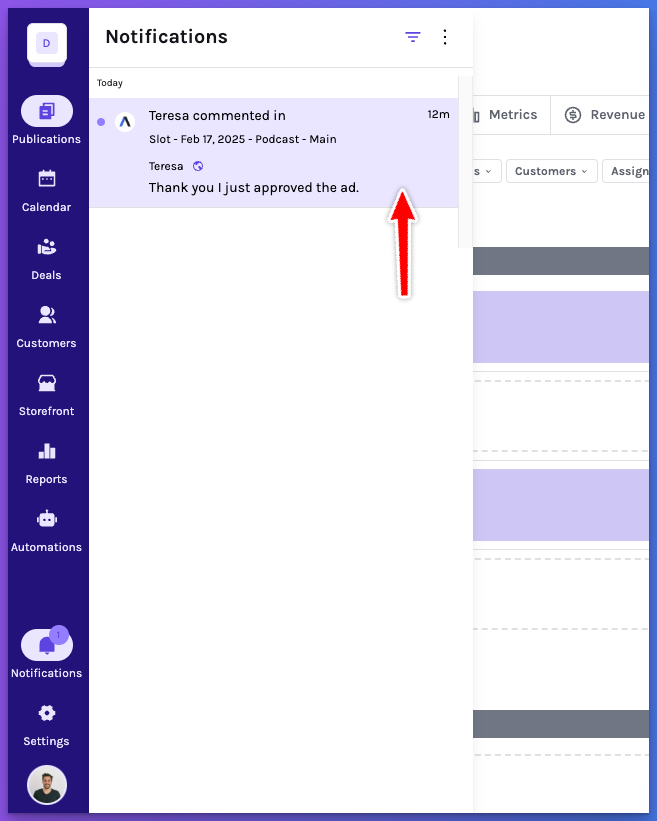
Clicking on a notification will take you directly to the relevant task or update.
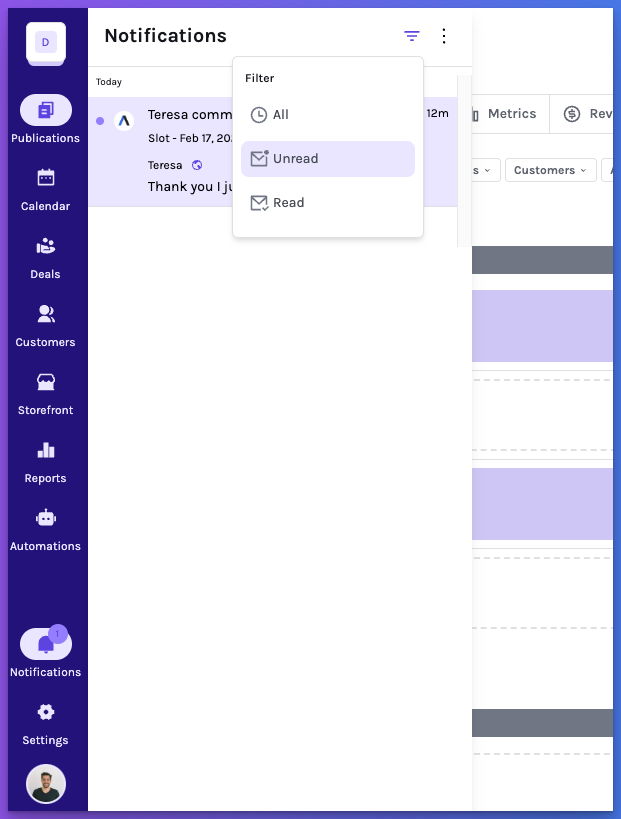
Filter
You can revisit past notifications using the filter option.
Bulk actions
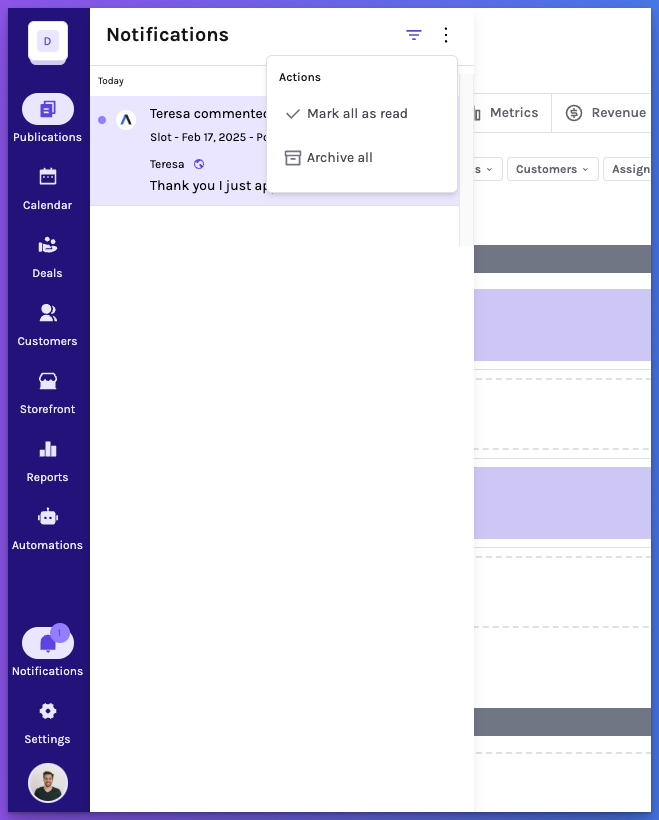
For better management, bulk actions such as “Mark all as read” or “Archive all” are available via the actions button.
Good to know
When a notification is created, any new related updates within the next 15 minutes will be grouped into the existing notification. This prevents excessive notifications and ensures you receive consolidated updates instead of multiple alerts.