ESP Integrations
Building sponsorship reports can be challenging, especially when working across multiple Email Service Providers (ESPs) and consolidating data from newsletter sends and ad performances. Sponsy’s ESP Integrations module streamlines this process by allowing seamless integration with your preferred ESPs, automating data collection, and simplifying report generation.
Building sponsorship reports can be challenging, especially when working across multiple Email Service Providers (ESPs) and consolidating data from newsletter sends and ad performances. Sponsy’s ESP Integrations module streamlines this process by allowing seamless integration with your preferred ESPs, automating data collection, and simplifying report generation.
Sponsy supports newsletter ESPs such as beehiiv, Mailchimp, Klaviyo, Delivra, Kit, Campaign Monitor, Omeda, Ghost, Sailthru, FluentCRM, and others. Sponsy also supports platform integrations for podcast, video, social, payments, notifications, and automation workflows. Use the Integrations page to see the full list available for your workspace.
How does it work?
After connecting to your chosen ESP, Sponsy retrieves pertinent data—such as opens, sends, and clicks—for specific newsletter sends. This data is matched with the links you’ve designated in a slot, filtering out non-essential information to generate a comprehensive slot metric report for you and your sponsor.
Connect your favorite ESP
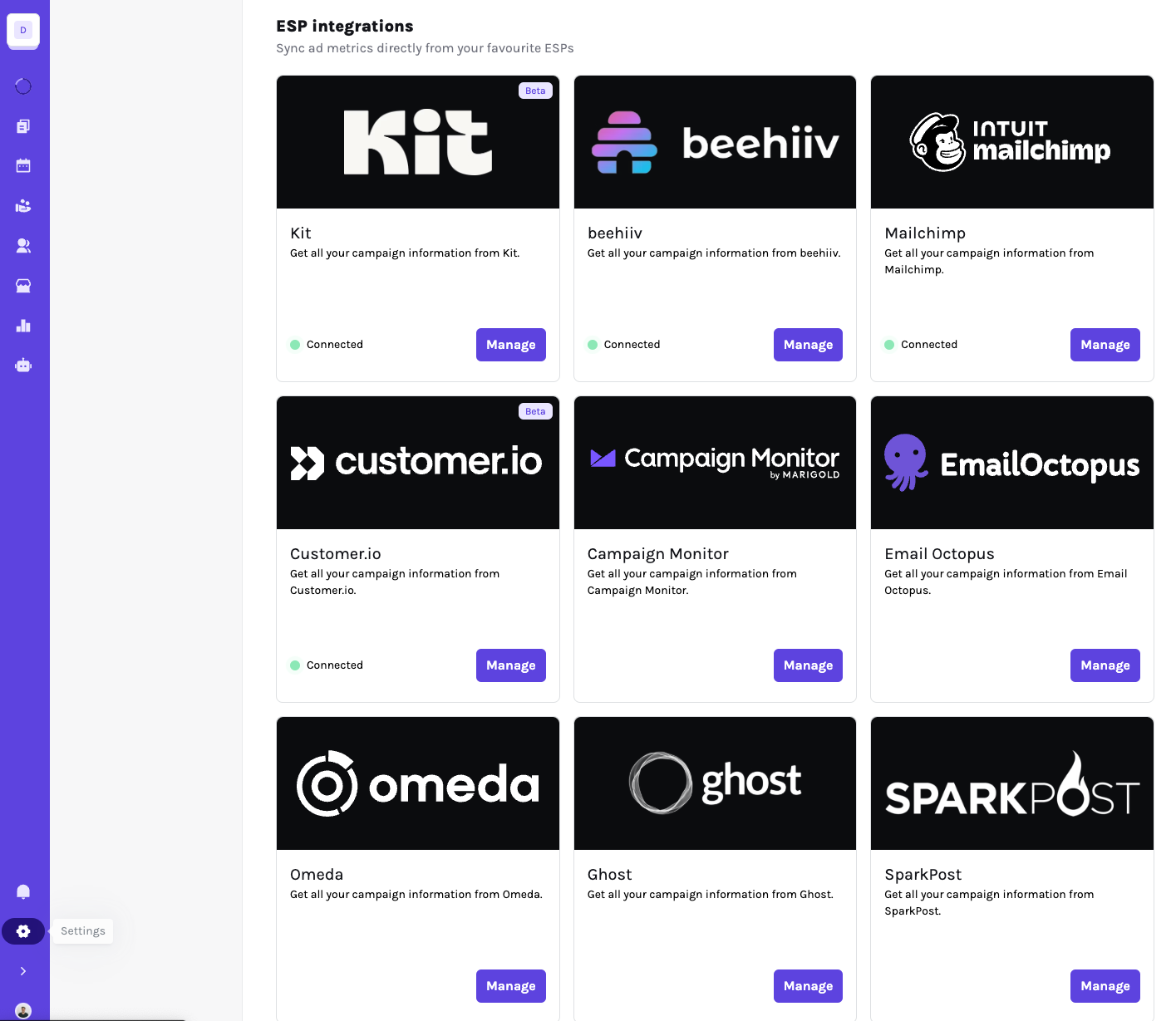
To link your ESP with Sponsy, navigate to the Workspace Settings > Integrations page. Here, select your ESP and follow the provided instructions to supply the necessary credentials. Depending on the ESP, this may involve OAuth processes or a combination of client IDs and secrets. Rest assured, all data is securely encoded and stored within our systems.
If your ESP isn’t listed, please contact us at hi@getsponsy.com, and we’ll explore integration possibilities.
Once you select your favorite ESP you will see some instructions with the information we need from your ESP in order to connect to it.
Some ESPs do offer OAuth processes others a combination of client ID and secrets in order to connect to it. This data is properly encoded and secured in our systems.
Integration-specific setup notes
- Klaviyo: Choose email campaign reporting or signup-form reporting. Forms match by destination URL and import lifetime impressions, clicks, and CTR. See placement metrics sources for setup and required API key permissions.
- Delivra: Connect Delivra to sync ad performance data from sent campaigns into Sponsy.
- FluentCRM: Connect FluentCRM with your WordPress site URL, username, and an application password. Sponsy then pulls campaign opens, clicks, and unsubscribes into slot reports. See FluentCRM's authentication docs for how to create the application password.
- Mailchimp: Pick the audience, and optionally a segment, interests, or a word from the issue URL so Sponsy can tell your newsletters apart when they share one audience. Sponsy looks for the send on the slot's date in your Mailchimp account timezone, so a late-evening send still matches its slot. Set Send timezone only if the publication's day differs from the account timezone.
- beehiiv: Connect beehiiv for newsletter metrics and use the Chrome extension when you also want to work with Sponsy ad blocks inside the beehiiv editor.
- Podcast and video platforms: Connect tools such as Buzzsprout or YouTube when sponsor deliverables are not newsletter sends but still need performance metrics in Sponsy.
- Slack: Connect Slack from Workspace Settings when you want storefront order alerts or automation messages to post in your team channels.
Associate your ESP with a Publication
Sponsy enables the management of multiple publications and ESPs, facilitating business scalability and growth. Once your ESP is connected to your Sponsy account, configure it via the publication settings page:
- Open the publication in the Inventory Hub, then go to Settings.
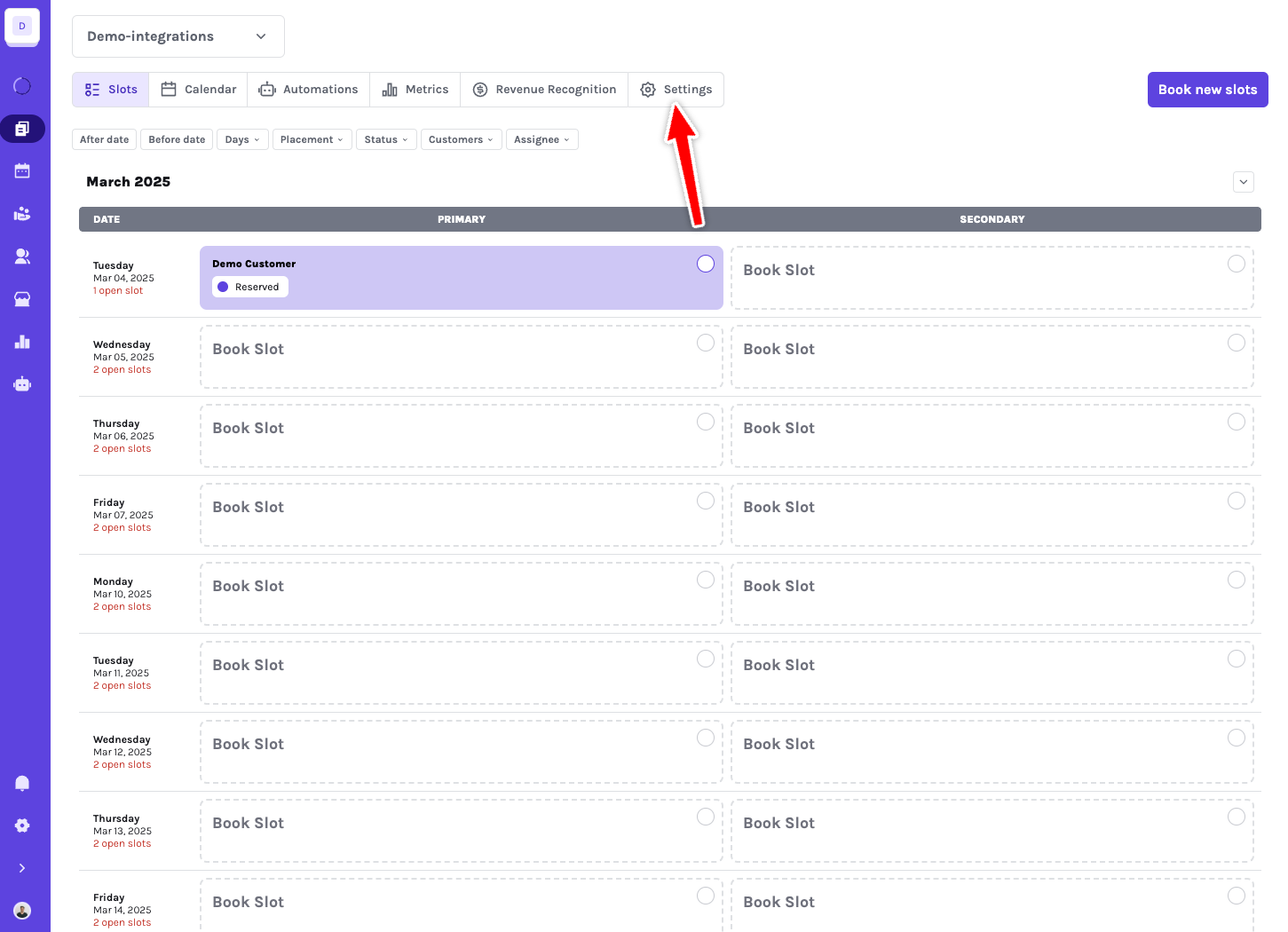
- Select the ESP option on the sidebar.
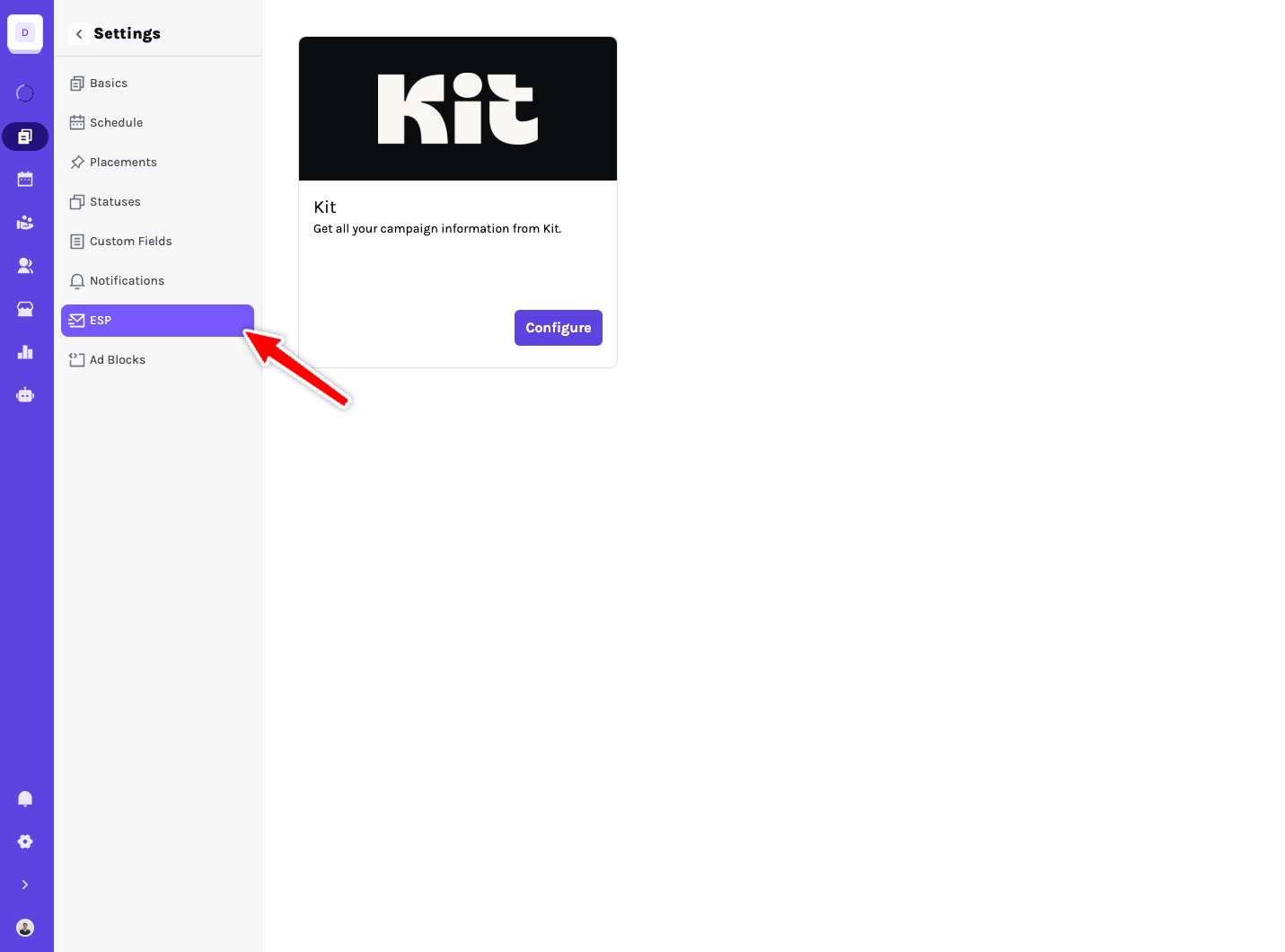
- Follow the specific configuration instructions for your ESP.
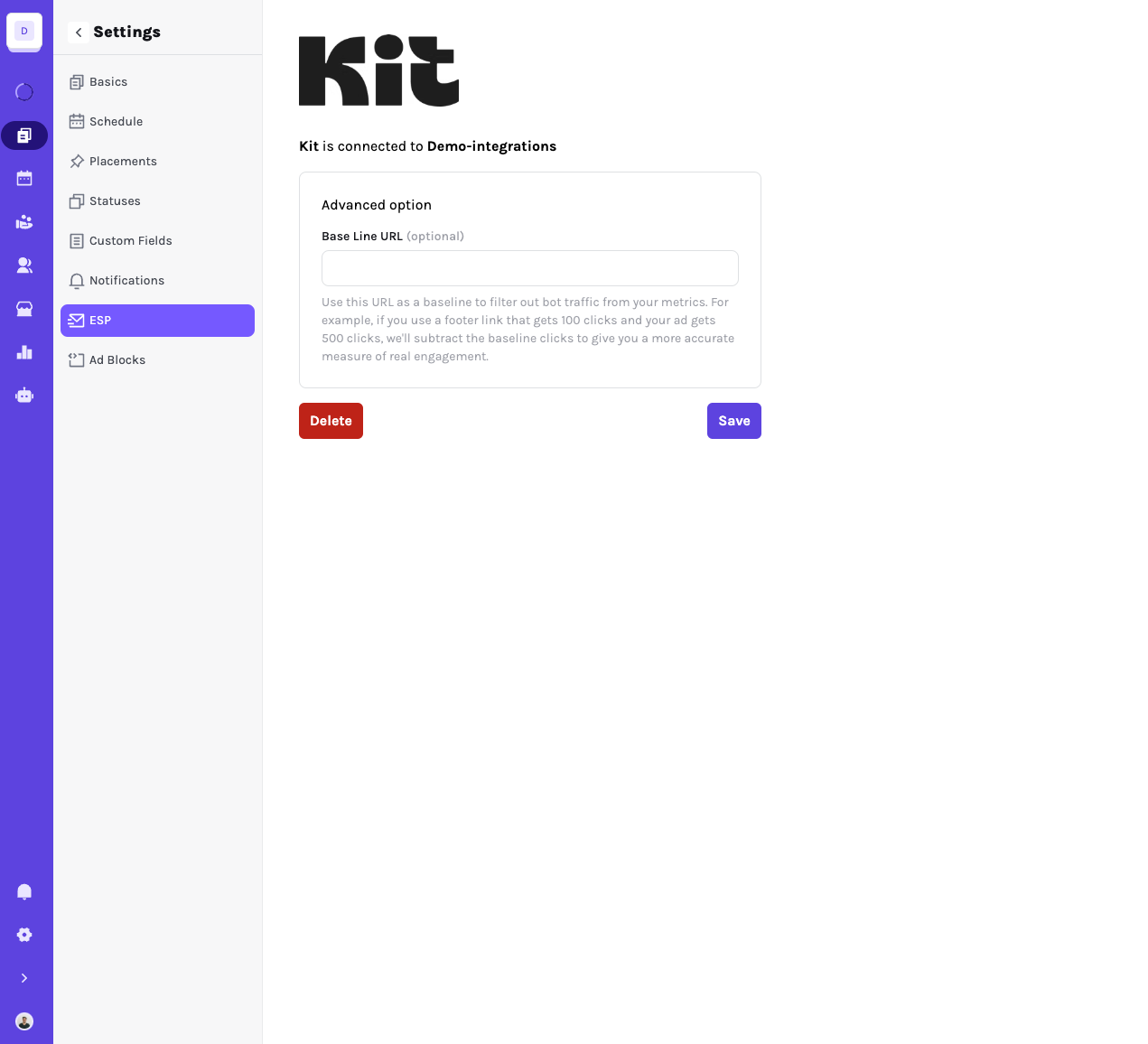
Utilizing the ESP Integration
With your integration set up, you can leverage it in two primary ways:
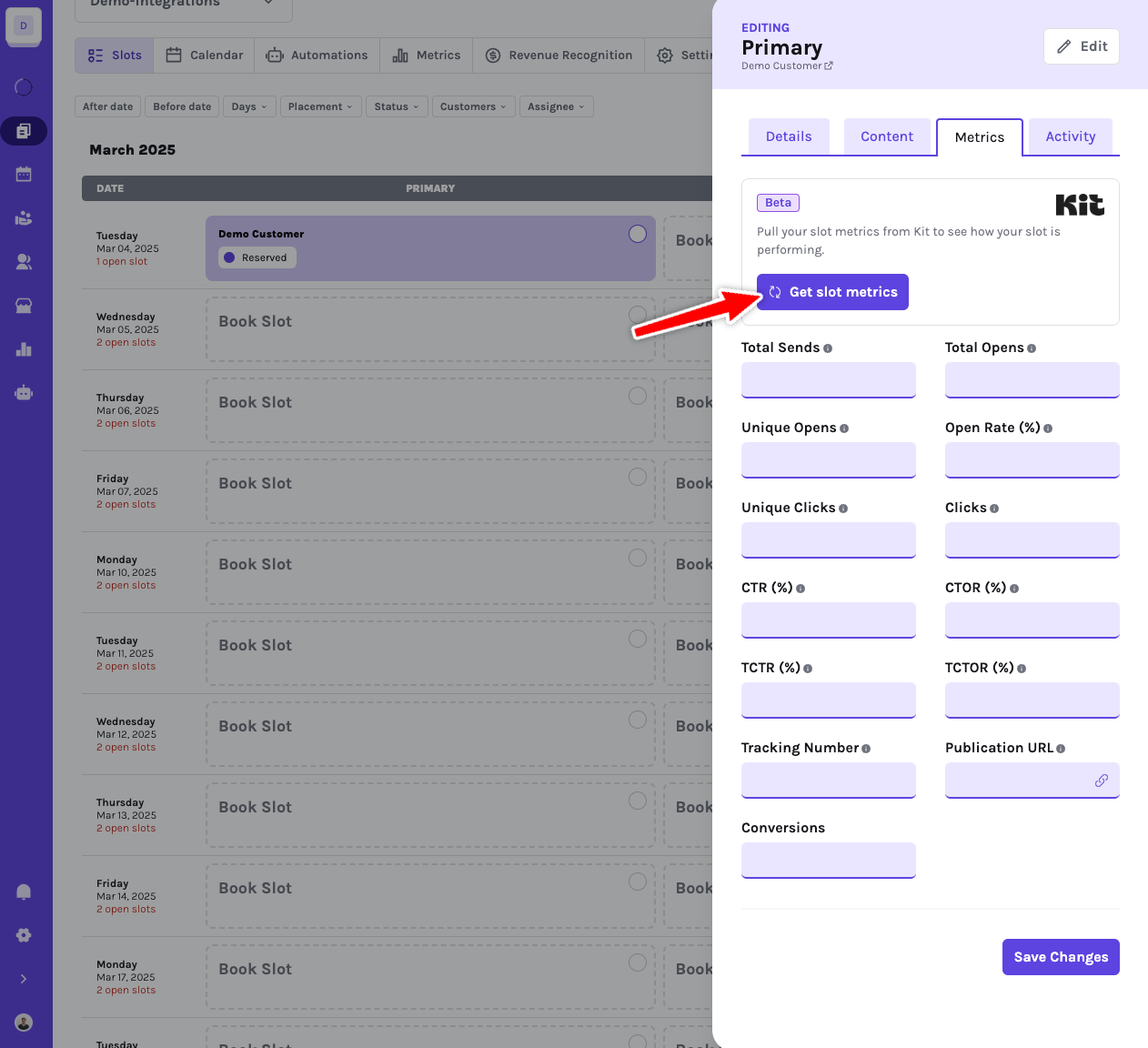
Fetch Metrics via the Slot Metrics Tab
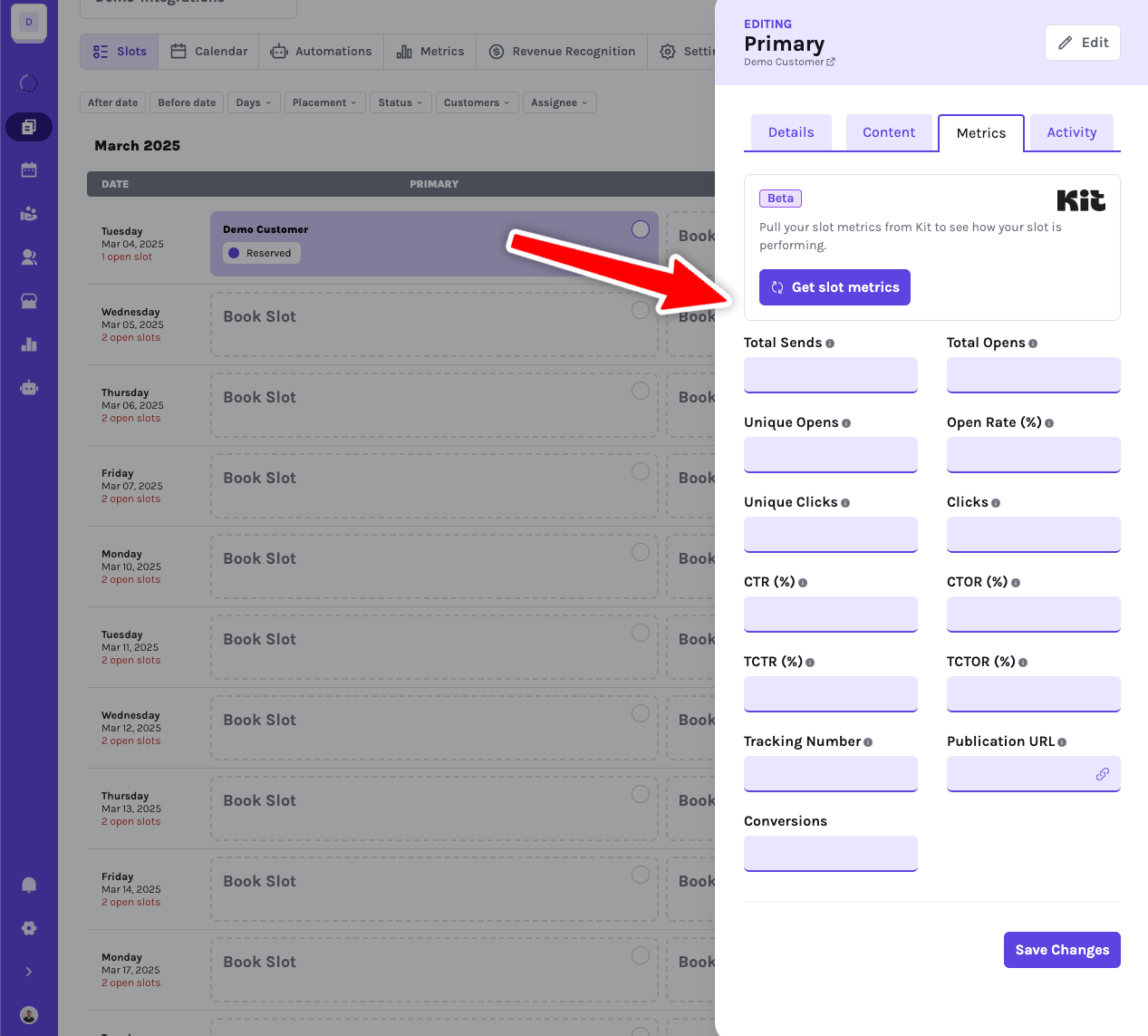
Access the slot metrics tab to request metrics for a given slot, providing insights into advertisement performance.
Automate Metrics Synchronization
Automate the process by setting up an automation that fetches metrics automatically. You can define actions to send these metrics directly to your sponsors, keeping them informed about their sponsorship performance.
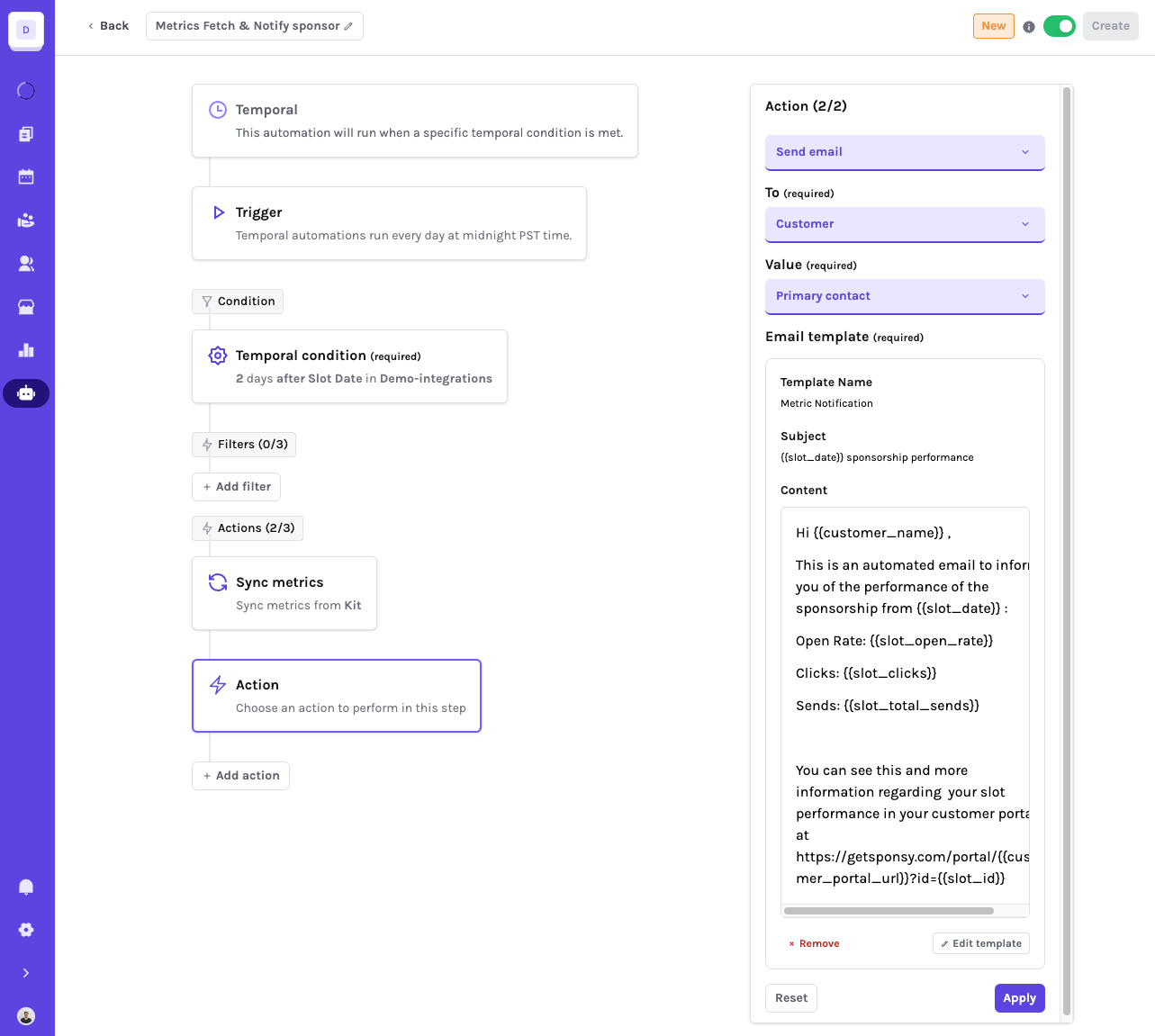
To learn more about our automation capabilities, refer to our Automations module documentation
By integrating your ESPs with Sponsy, you simplify the process of tracking and reporting advertisement performance, enhancing transparency and efficiency for both you and your sponsors.
Klaviyo email metrics
Klaviyo email reporting needs a private API key with read access to accounts, campaigns, metrics, lists, segments, tags, templates, and events. The events:read permission is required for accurate link click counts. If you created a key with only some permissions, update it in Klaviyo and fetch the slot's metrics again.
Sponsy excludes events Klaviyo marks as bot clicks. Total Clicks counts the remaining clicks on the slot's matching links. Unique Clicks counts each recipient once per link across the campaign's history, even when they click again on another day. If a slot has several distinct links, its unique clicks are the sum of the per-link counts; someone clicking two links can appear in both.
Email refreshes run in the background. The slot shows a refreshing state and updates when the fetch finishes. The first fetch for an older campaign can take several minutes. Sponsy caches completed click days and refreshes a day when Klaviyo's counts change. A failed or incomplete fetch keeps the previous metrics instead of replacing them with partial counts.
Total Opens counts every recorded open, including repeat opens by the same recipient. It can be larger than Total Sends. Unique Opens counts the recipients who opened the email and is used to calculate the open rate.
The Only count clicks with the ad's tracking codes setting still separates an ad from editorial links to the same page. Keep the ad's tracking codes in the slot link when using this setting.
FAQ
Do slots need to contain links to sync metrics?
Yes. Make sure your links are saved in the slot’s Content tab, either in the rich text field or the URL field.
How do you track sponsorship metrics in my ESP?
For newsletter reporting, we look for a past issue sent on the same day as the slot, in the publication's timezone (for Mailchimp, the account timezone unless you set one in the sync settings). Then we match the links saved in Sponsy with the ones in that issue to pull in the right metrics. Klaviyo signup forms use the current destination URL to find the form and import its lifetime totals; slot dates help find the form but do not limit the imported metrics.
For podcast or video integrations, the matching logic depends on the connected platform. Store the relevant episode, video, or placement link on the slot so Sponsy has the right source to match against.
Why is my sync failing?
Most sync issues happen when the links in Sponsy don’t exactly match the ones in your ESP. Double-check that your links are stored correctly. Still stuck? Reach out! We’re happy to help troubleshoot.
Choose an integration for each placement
Placements use the publication's first active integration setting by default. You can assign another setting from either the placement editor or the integration settings page. This works for every publication type: for example, use Instagram and TikTok for different social placements, or keep Google Ad Manager for banners and use Klaviyo signup forms for a popup. See placement metrics sources for setup, matching rules, and troubleshooting.